
Editing a Visitor assigned to a Visit
You can edit a Visitor who is assigned to a Visit.
- On the Visitor Management application, select a Visit Site. See Selecting a Visit Site from the Visitor Management application.
-
Select either of the following options:
- Click a Visit name.
- Right-click a visit and select Edit.
-
Click a visit's options button and select Edit.
-
On Edit Visit screen, in the
Visitors pane, select either of the following
options:
- Right-click a Visitor and select Edit.
- Click a Visitor's options button and select Edit.
Figure 1. Editing a Visitor 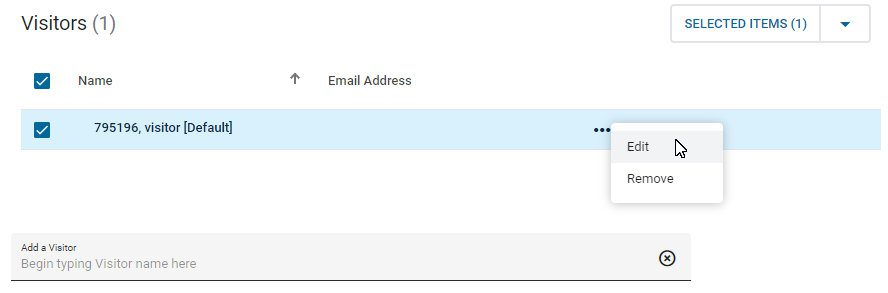
- In the Edit Visitor dialog box, edit the Visitor fields, and then click Save.
-
Select one of the following options:
- To save the Visit, click Save.
- To save and email the Visit, click Save and Email.