
Adding a Host to a Visit
You can to add and remove Hosts for a specific visit. A Host is a personnel record with the Can Host option enabled.
- On the Visitor Management application, select a Visit Site. See Selecting a Visit Site from the Visitor Management application.
-
Select one of the following options:
- Click a visit's name.
- Right-click a visit and select Edit.
- Click a visit's options button and select Edit.
-
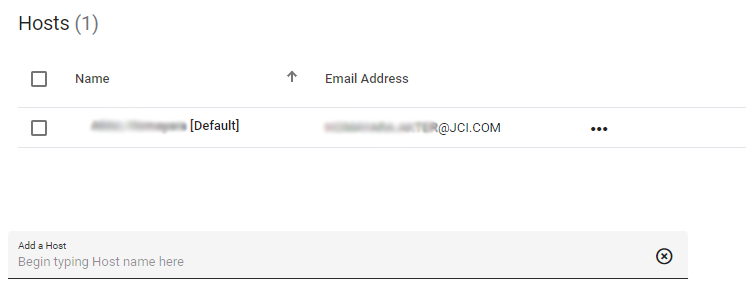
On the Edit Visit screen, in the Hosts pane, in the
Add a Host field, start typing a Host name. A
drop-down box displays the eligible Hosts that you can add.
If the letters you type do not match any Host, then the person you are looking for is not eligible to Host a Visit.
- To add a Host to the Visit, click the Host's name.
- Optional: To view information about the Host, click the Host's options button, and select View.
-
Select one of the following options:
- To save the Visit, click Save.
- To save and email the Visit, click Save and Email.