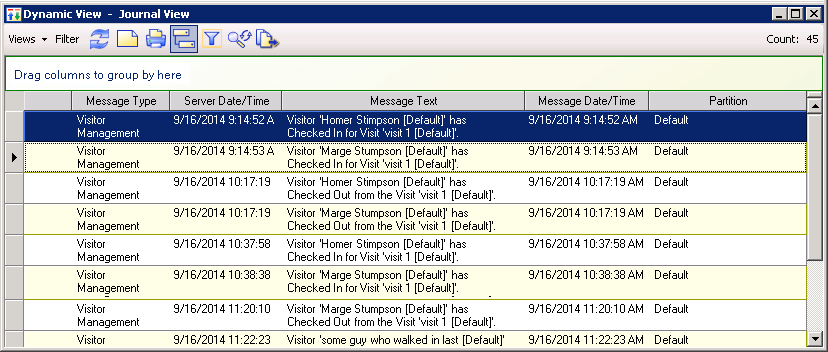
Visitor Management sends information to the Journal whenever a Visitor checks in or checks
out. You can review the Journal entries for visits if you need to know when these check
outs and check ins occur.
In the Navigation pane, select Options &
Tools
In the Options & Tools pane, click
Journal.
In the Date/Time row, choose a value for the time period
you want to search. For example, Last 7 Days.
In the Query Parameters window, change the filter type
for object types to Equals.
Click in the Values column for object types, then click
Menu and select Visit.
Click Run.
A dynamic view showing all check ins and check outs for the
time period opens.Figure 1. Journal messages for visits