
Adding an image to the Visit Site
You can add an image to the Visit Site from the Visit Site editor.
The image that you add to the Visit Site appears on the Visit Web Portal to represent the visit site.
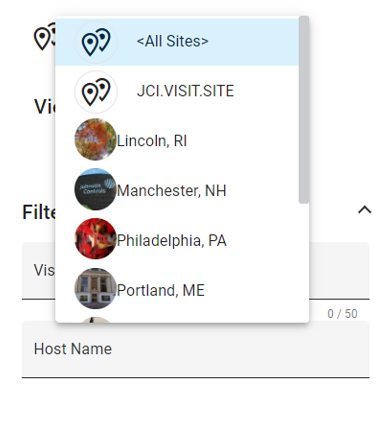
- From the Visit Site editor, click on Click to select an image.
- From the context menu, select the action you want to take:
- Click Save and Close to save your changes.