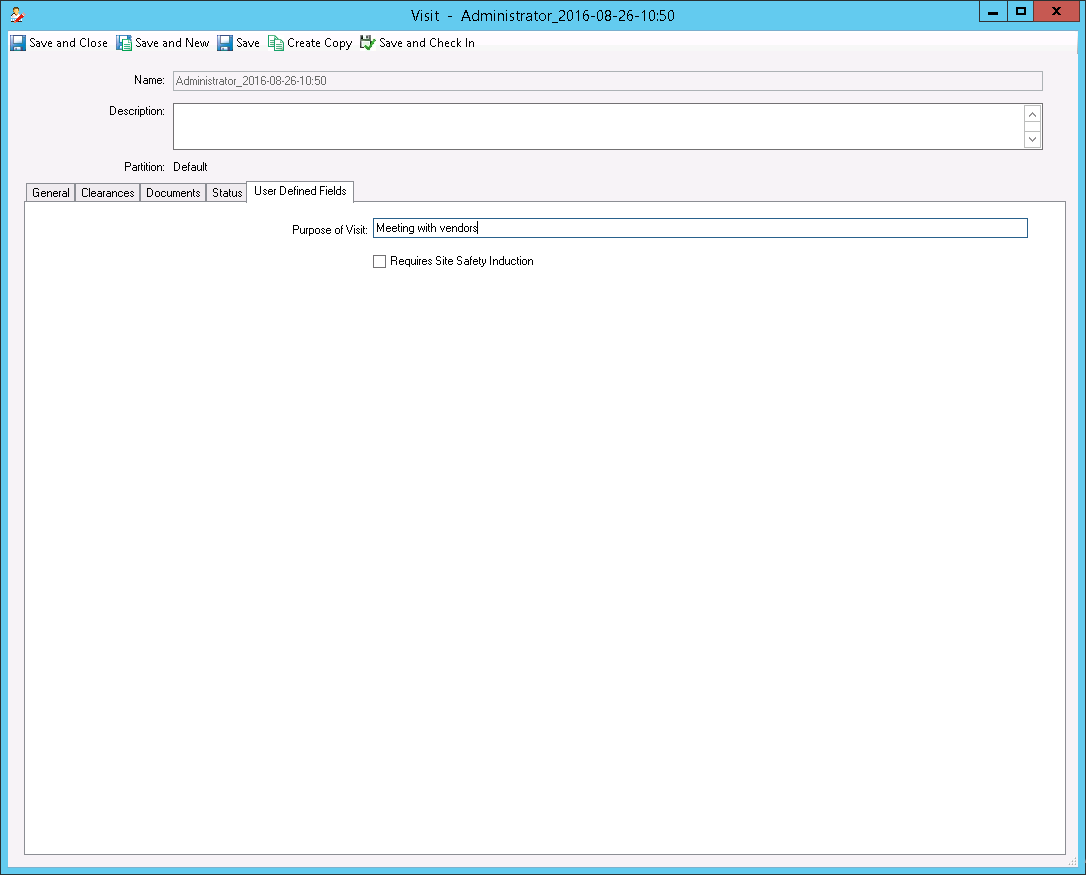
Visit editor - User Defined Fields tab
Use the User Defined Fields tab to modify user-defined fields (UDFs) that apply to the visit. You can modify the UDFs in the Visit editor to provide additional information about the visit. After you configure UDFs in the User-defined Fields editor, the UDFs appear in the User Defined Fields tab.
For more information about creating visit UDFs, see Configuring visit user-defined fields.
Visit editor - User Defined Fields tab shows an example of visit UDFs in the User Defined Fields tab. The Visit Site selection list of visit UDF is only applicable to the Visitor Management application.