
Changing the Visit Web Portal password
If you are using Windows Authentication, you need to contact your Windows Administrator to change a password.
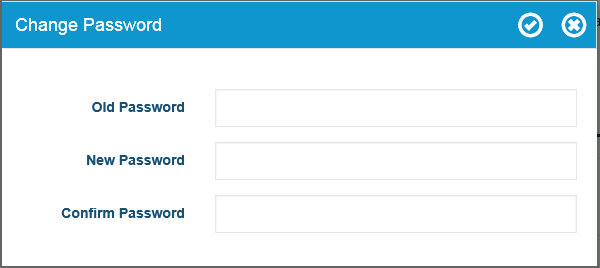
- To change your password to the Visit Web Portal, click Change Password on the main screen.
- In the Change Password dialog box, in the Old Password field, type your old password.
- In the New Password field, type your new password.
- In the Confirm Password field, type your new password again.
- Click the check mark icon to save your new password.